Free VJ software that opens in a tab
No download, no license, no plug-ins. Ebiza runs in Chrome, Safari or Edge on Mac, Windows, Linux, iPhone and Android, and gives you a scene engine, a 690-shader library, effect pads and MIDI control for free.
Compared with desktop VJ software
| Need | Desktop VJ software | Ebiza |
|---|---|---|
| Install | Download, license key, updates, plug-ins | Open ebiza.app in a tab |
| Price | Often hundreds of euros | Free |
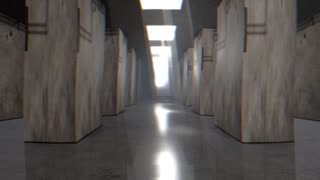
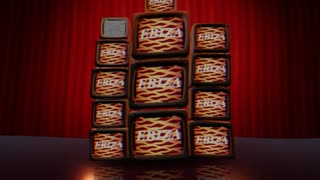
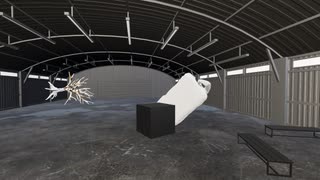
| Content | You bring your own clips | 40 scenes and 690 shaders included |
| Audio analysis | Basic FFT in most tools | Beat, bass, mid, high, energy and phase detection: calm, build, drop, groove |
| Control | MIDI mapping by hand | 16 pads on keyboard or MIDI, Auto-VJ, Ableton Link, MIDI clock |
| Output | Second screen, Syphon or Spout | Second screen or projector in fullscreen, phone to TV, or capture the tab in OBS |
Ebiza does not replace a full media server for mapping or multi-output shows. It replaces the part most DJs actually need: good visuals that follow the music, ready before the gig.
The shader library
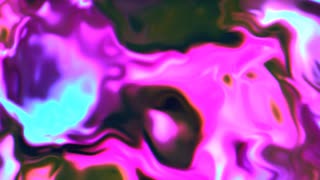
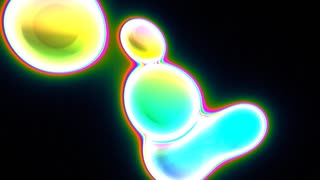
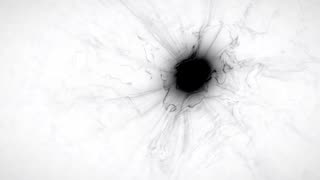
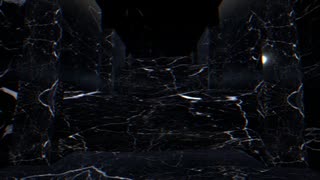
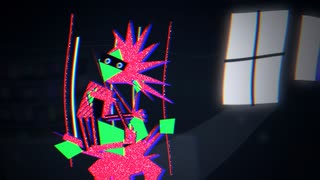
690 shaders ready to add to your dock: complete sources, many converted Shadertoy classics, audio visualizers and FX layers. Add any of them to a native background with the Mixup shader and set how much of it shows.
What you control
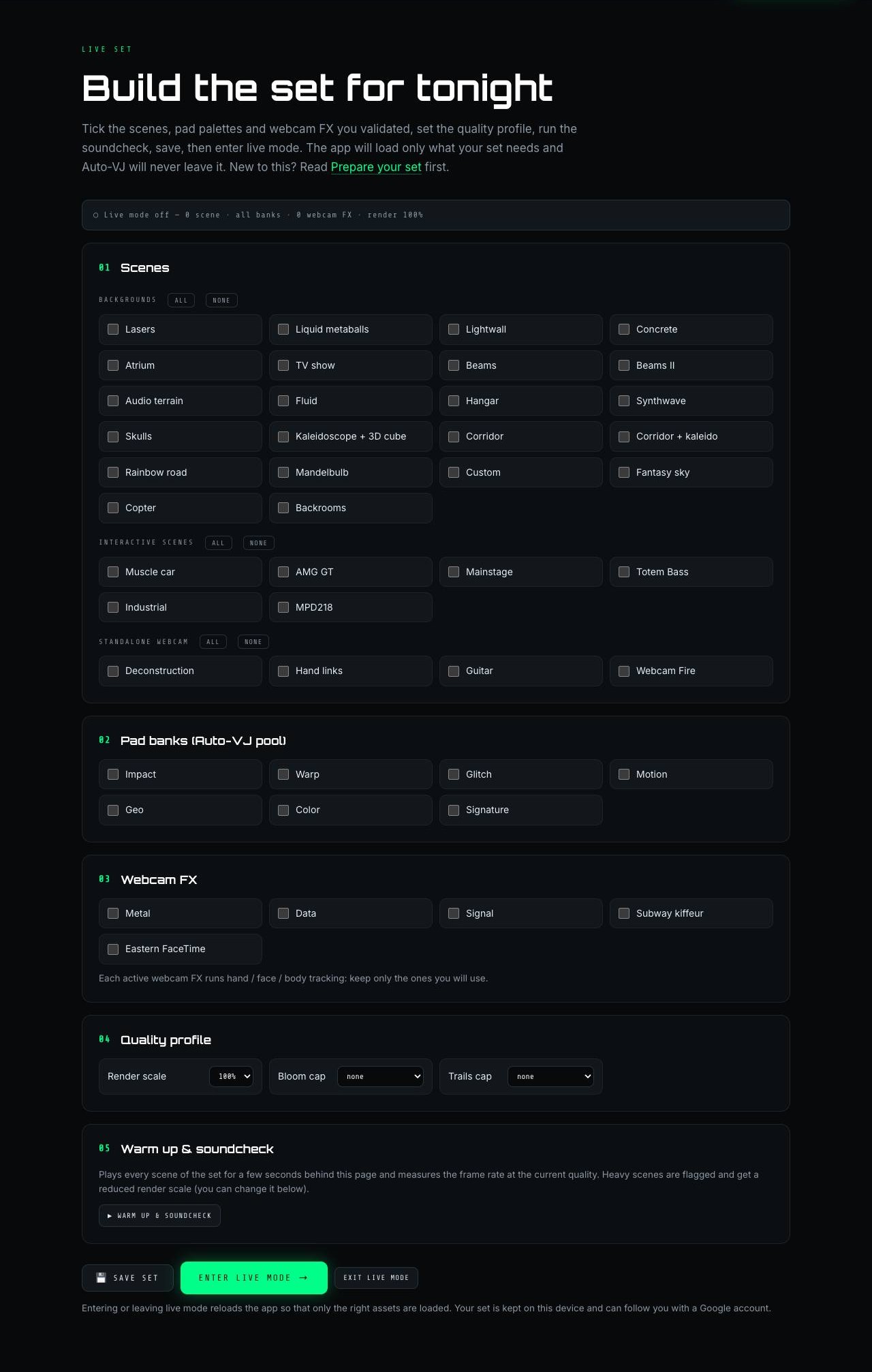
- Scene dock with your tested scenes only, once a set is saved
- 16 effect pads: strobe, glitch, shatter, echo, zoom, cuts
- Keyboard shortcuts and MIDI controllers such as the MPD218
- Auto-VJ with scene changes on the phrase
- Ableton Link and MIDI clock for the tempo
- Scene lock for the gig, hidden interface on tap
- Sharp 3D upscaling on low-end GPUs
- Pure blacks: grain and flashes only touch lit areas
Export loops for Resolume or OBS
Everything shared from the app lands in the Community section: BPM-locked video loops you can drop into Resolume or OBS, complete presets and shaders from other users. Record a loop of your favourite scene and use it in the tool you already own.
Questions DJs ask
Which browsers and devices work?
Recent Chrome, Edge and Safari on Mac, Windows, Linux, iPhone and Android. A GPU with WebGL is required. A laptop from the last five years runs the 3D scenes comfortably, and the upscaler keeps older machines sharp.
Can I use my own clips and logo?
Yes. The Custom scene plays your image or video, the Liquid scenes distort your logo, and the 3D name display writes your name in chrome letters.
Does it work with my MIDI controller?
Yes. Pads and keys trigger the 16 effects, and Ableton Link or MIDI clock keep the tempo in sync with your software.
Ebiza or Ibiza?
Ebiza, spelled E-B-I-Z-A, is the name of the app. It is not related to the island. If a search engine corrects it to Ibiza, type ebiza.app directly in the address bar.
Keep reading
Try it with tonight's playlist
Open the app, start the audio, pick a scene. If you like it, build a set and lock it before the gig.
Open Ebiza